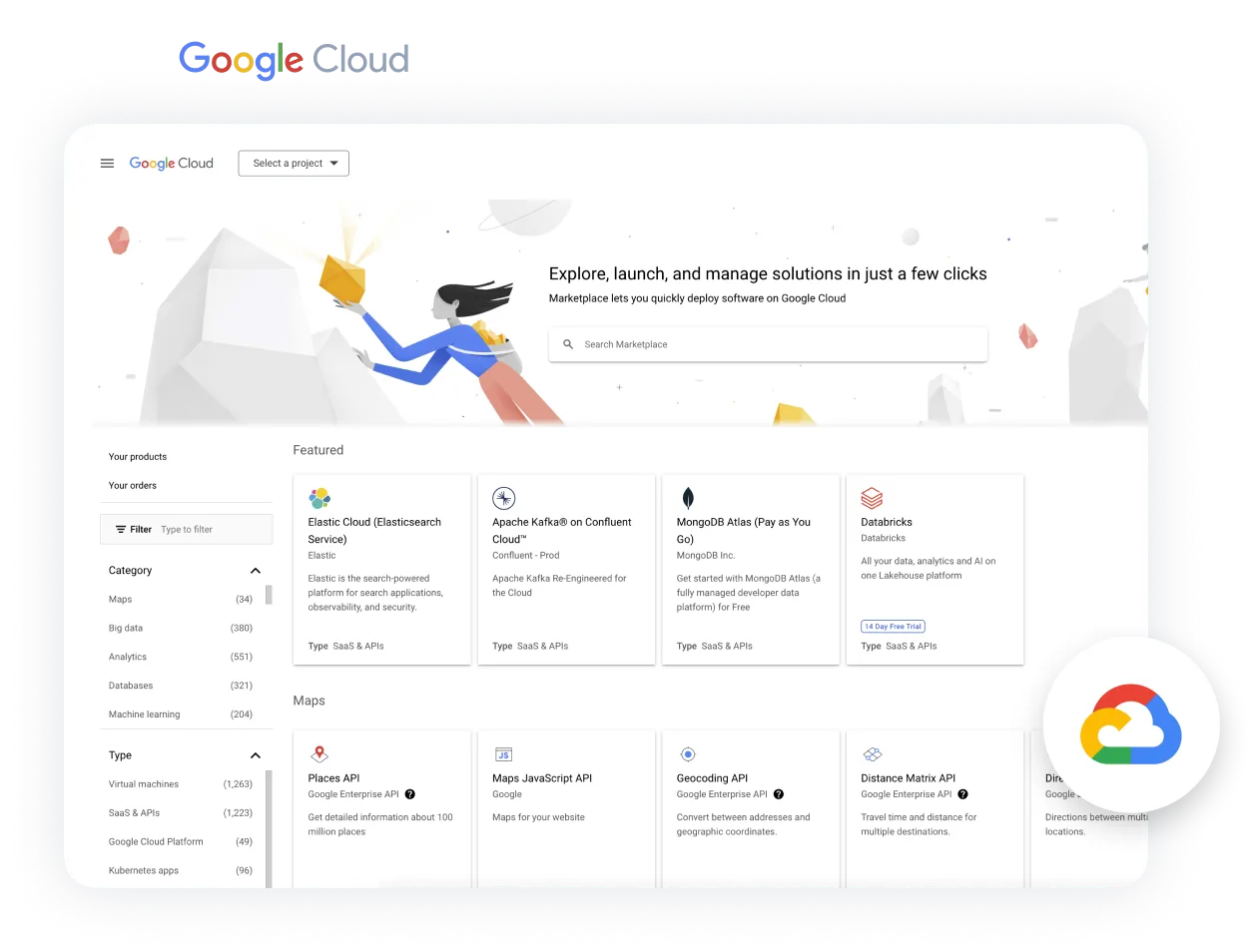
This guide covers Google Cloud Marketplace, not Google Workspace Marketplace.
For alliance and partnership teams at B2B SaaS companies, a Google marketplace listing involves more than publishing a product description. A billing-integrated SaaS offer needs working procurement, entitlement and, where applicable, usage-reporting integrations. Start by completing Google's partner onboarding, confirming your product's eligibility and creating your SaaS product in Producer Portal. Then give engineering these three Google-specific requirements. AWS has equivalent workflows, but its integrations cannot be reused unchanged.
1. Integrate the Cloud Commerce Partner Procurement API
The Partner Procurement API connects Marketplace customer accounts and entitlements to your app. When a customer buys, Google Cloud Marketplace creates an account and an entitlement for them. Your app approves the account once the customer has signed up, approves the entitlement, and approves any plan change. Provision access against the correct entitlement, not just the customer account.
On AWS, this job is split across different APIs: ResolveCustomer in the AWS Marketplace Metering Service identifies the customer, and GetEntitlements in the AWS Marketplace Entitlement Service returns what they bought.
2. Receive entitlement notifications through Pub/Sub
Subscribe to the Pub/Sub topic that Google sets up for your integration (your Google Partner Engineer creates it). Your app must process the purchase, plan-change and cancellation messages. Do not trust the message alone: retrieve the current entitlement through the Partner Procurement API before you update access, and check its state.
AWS uses Amazon SNS for the same purpose, with its own subscription messages such as subscribe-success and unsubscribe-pending.
3. Report metered usage through the Service Control API
This applies to usage-based billing only. Send usage to the Service Control API and set the operation's consumerId to the entitlement's usageReportingId. You read that value from the entitlement in the Partner Procurement API. Subscription-only offers do not need usage reporting.
AWS uses the AWS Marketplace Metering Service (for example BatchMeterUsage) for usage reporting.
When all three integrations pass testing, submit your product for Google's review.
How to get your SaaS listed on Google Cloud Marketplace
- Confirm eligibility and onboarding. Join the Google Cloud Partner Network, accept the Marketplace Vendor Agreement, and start product onboarding in Partner Network Hub. Confirm your software is hosted primarily on Google Cloud, using one of Google's approved hosting patterns. You verify this during onboarding. Complete the Cloud Marketplace Onboarding Validation Form, which Google requires for your first listing and every later one. Then complete the Cloud Marketplace Project Info Form to get Producer Portal access, where you create and manage the listing.
- Prepare the prerequisites. Name a commercial owner and an engineering owner. Set up a Google Cloud project, billing and team permissions. Gather your product description, logo, support details, documentation, terms and privacy policy. Our complete guide to Google Cloud Marketplace covers listing assets such as logos, and the marketplace listing checklist helps you track the rest.
- Build and test the integration. Cover sign-up, entitlement and the subscription lifecycle, plus usage reporting where your pricing needs it. Test provisioning, plan changes and cancellation end to end.
- Submit for approval. Google reviews your product. There is no universal guaranteed turnaround, so ask your Google contact for current timing. Do not promise a launch date to customers or leadership until Google approves.
- Prepare for live sales. Decide who owns enquiries, private offers and reseller coordination, and plan the handover from the launch team to day-to-day owners. Our marketplace operations guide shows how teams run this across clouds.
Automatum can build and run these integrations for you, so your engineers stay on your product.

 Google Cloud Marketplace
 Book a demo